


Why Does It Take a Long Time to Connect via Bluetooth and Wi-Fi?
The Bluetooth and Wi-Fi will take some time to start up after the device is powered on. It is recommended not to connect immediately after turning on the device; wait for about 10 seconds before trying again. Avoid connecting in areas with strong Bluetooth or Wi-Fi signals, as this may cause interference. It is also recommended to update both the device and the app to the latest version and try again. If the issue persists, restart the device or close the app completely, then reopen it to establish the connection.
Why Does the App Exit After Connecting to CarPlay?
A mobile phone cannot connect to two devices via Wi-Fi simultaneously. Therefore, after connecting to CarPlay, the Wi-Fi connection to the recorder will be automatically disconnected, causing the app to exit. You can temporarily disable General → CarPlay on your phone and then reconnect to the recorder’s Wi-Fi to continue using the app.
No GPS Signal or Weak GPS Signal?
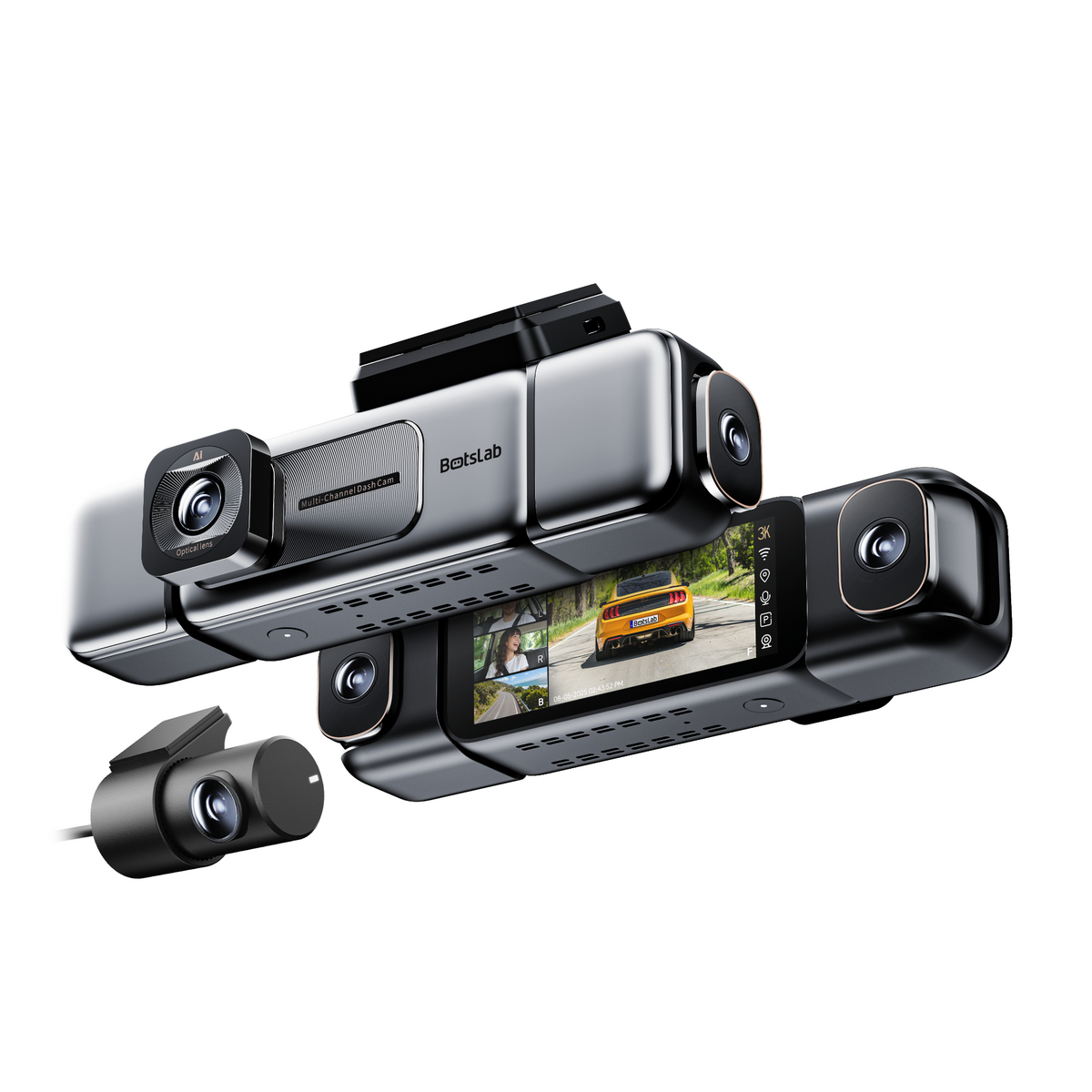
● Insufficient power supply: Please use the original car charger for power supply. ● Signal shielding: Excessive metal content in the front windshield film will also affect the GPS signal. You can remove the device and turn it on outside the car to check the GPS signal (the bracket has a back plate and is detachable. Push the bracket upward to remove the device). ● Signal interference: Check whether there are other electronic devices in the car. If they are very close, there may be interference. You can turn off other devices and restart the recorder, or take it outside the car and restart it.





Share:
FAQS for W510
FAQS for C212